Pastor, one sermon feeds my church’s socials all week. Here’s how.

Every week I meet pastors agonizing over what their church should post on social media — while sitting on forty minutes of original, prayed-over, crafted content they created last Sunday. You don’t have a content problem. You have a distribution problem. Here’s the system that turns one sermon into a full week of posts.
Step 1 — Mark the clip moments while you write
Don’t go hunting for clips after Sunday — plant them on Tuesday. As you finish your manuscript, mark three or four moments that stand alone: the one-liner that crystallizes the whole message, the story with a beginning and an end, the direct challenge, the gospel moment.
Two rules. First, a clip moment has to make sense to someone who never heard the sermon — that’s the test. Second, if you can’t find three in your manuscript, that’s not a media note, that’s a preaching note: memorable moments are what make sermons memorable in the room, too.
Step 2 — Capture clean audio
Here’s what nobody tells you: on social, audio quality matters more than video quality. People forgive a plain camera shot. They scroll past bad sound in one second. If you’re recording on a phone on a tripod, fine — but get the audio from your soundboard or a cheap lavalier mic, not the phone’s built-in microphone from forty feet away.
One decent camera angle, clean board audio, consistent framing every week. That’s the entire production requirement.
Step 3 — Cut vertical, caption everything
The mechanics that actually move performance:
- Vertical format — Reels, Shorts, TikTok. Horizontal pulpit footage cropped to vertical, framed on you.
- 30 to 90 seconds — long enough to land a thought, short enough to finish.
- The hook is the first two seconds. Start the clip mid-strength — on the boldest sentence — not on the wind-up.
- Captions on every clip. Most people watch with the sound off. No captions, no message.
Step 4 — Post to a rhythm, not to inspiration
Randomness is what kills church social media. Set a weekly rhythm and batch it: Monday the recap quote, Wednesday the mid-week encouragement clip, Thursday the story clip, Saturday the invite clip pointed at Sunday. Schedule the whole week in one sitting and close the app.
That Monday recap quote doesn’t need a designer, by the way. The Church Graphics Creator builds the quote card around this week’s sermon — type the line, pick a layout.
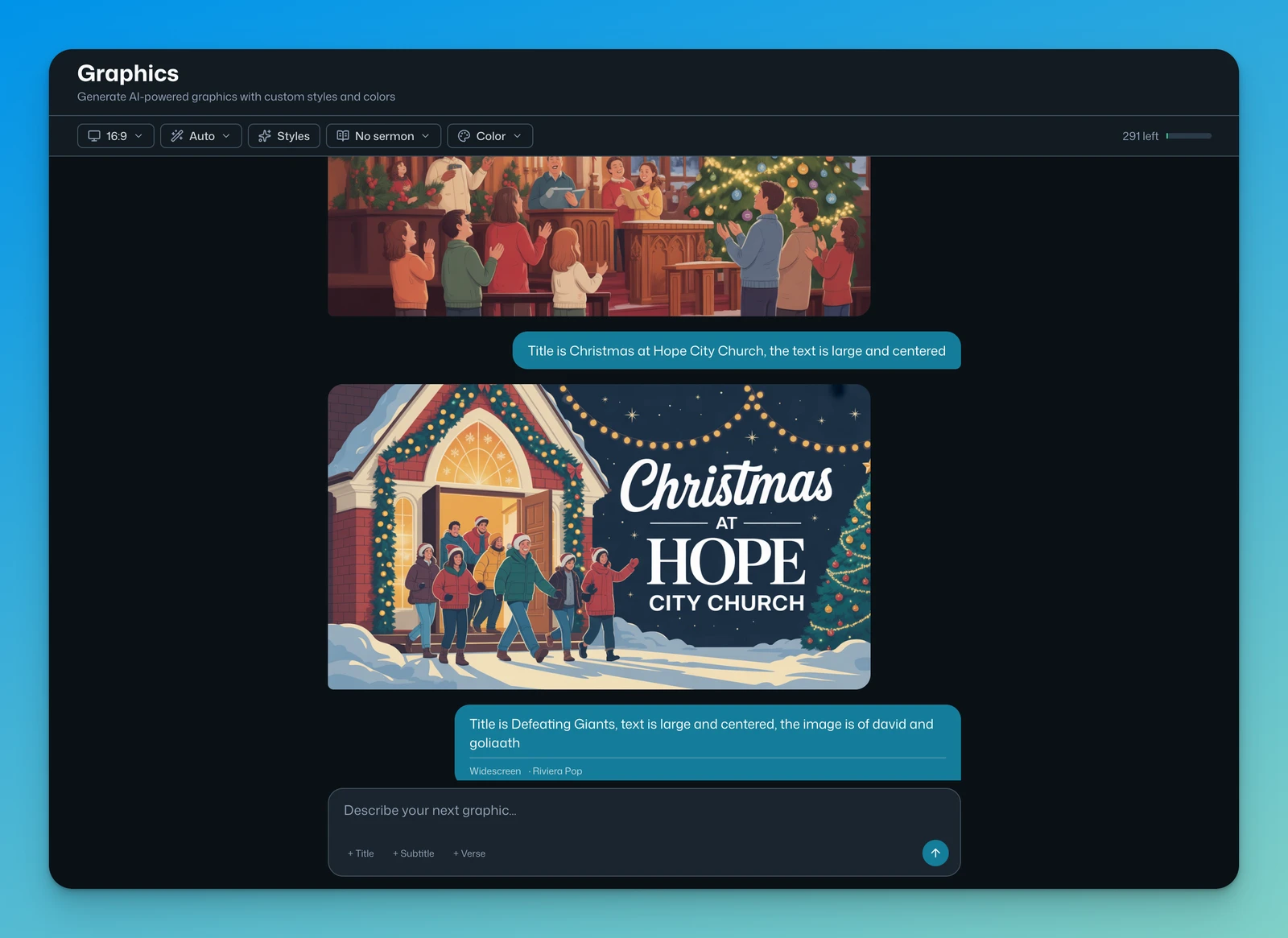
A church that posts four times a week every week beats a church that posts daily for two weeks and vanishes for a month. The algorithm rewards consistency. So does trust.
Step 5 — Or upload once and let the system do steps 2 through 4
At this point you’re probably doing the math on hours. Here’s mine: the Church Media module takes one uploaded sermon, finds the strongest moments from the transcript, and cuts 20 vertical, captioned, ready-to-post clips — automatically. The system above is exactly what it runs; it just runs it without your Monday.
Book a 20-minute demo and send us one sermon — the team will cut your first 20 captioned clips at no cost. Yours to keep and post, whether or not you subscribe.
You already made the content. Sunday proved it. Now let it preach all week.
— Your next 20 clips are one demo away.
Pastoral Intelligence
The wise, Christ-centered use of AI to amplify your calling — never replace it. From skeptic to operator in eleven lessons.
 ▶
▶+ 7 more lessons — all free

Get the free course
Instant access — every lesson, free forever. No card, no catch.

“If you’re a pastor, you need to know about PastorCenter.”
Josh Howerton · Lead Pastor, Lakepointe Church